
To view Ringtone Settings, first select the Settings tab on the left navigation.

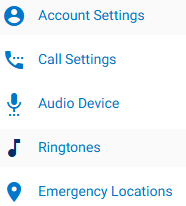
Select, Ringtones. This is where users can manage their ringtone and ring volume.
Ringtone: In the dropdown, select the preferred ringtone.
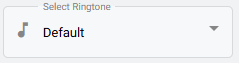
You can press the play icon to hear the tone before selecting it.

Ring Volume: Adjust the call Ring Volume using the slider.

Click save button to save changes done.