An Endpoint is a device that is used as a communication channel for a user to make calls, receive calls, and use
telephony features.
Step 1: Select the Additional Settings icon in the bottom left of portal to open a pop-up.

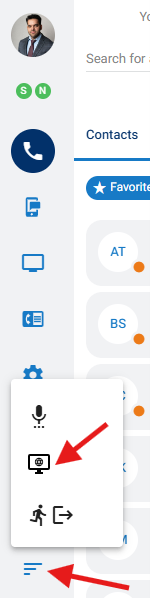
Step 2: The middle option is the current endpoint selected. Click on the option to choose a different endpoint.
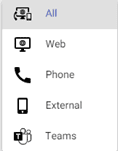
The available endpoints include:
All: Will ring all endpoints where the extension is registered.
Web: Will ring only the phone located in your web-based nVX User Portal
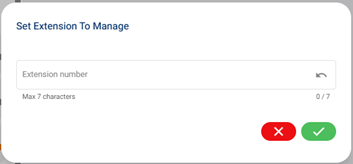
Phone: Will ring only the desk phone(s) where the extension is registered. When choosing Phone, a pop-up will appear to set the extension. Click on the checkbox to confirm.
External: Will ring an external number, such as your mobile phone. This setting can also be used for Ring Groups or Queues. When choosing External, a pop-up will appear to set the external number. Click on the checkbox to confirm.
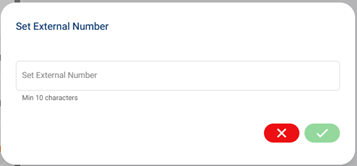
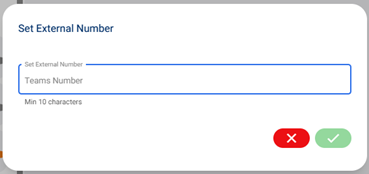
Teams: Will ring on your MS Teams (this will work only if user has been entitled to Teams calling feature). When selecting Teams, a pop-up will appear prompting you to enter the external phone number associated with your Teams user. Click on the checkbox to confirm.