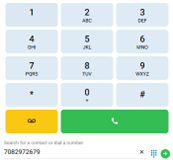
This article will cover how to place a call via the contact directory or dial pad in the nVX User Portal.
Navigate to the Calls icon on the left

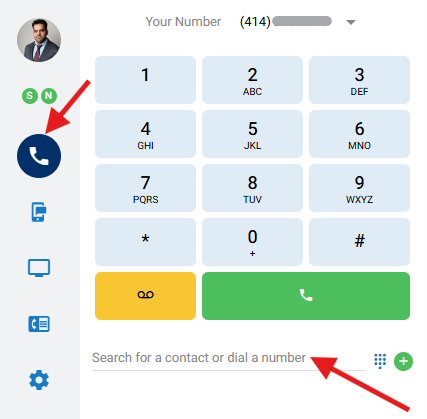
Place a call by using one of the following options
Enter a phone number (numerical or alphabetic) in the Search Area

OR
Enter a name of a user already configured in the Favorites or the Directory.
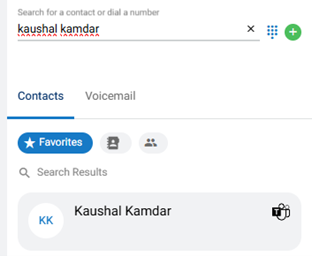
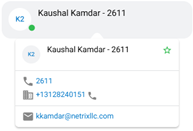
Search results will appear below. Hover over the selected option to see the configured extension. Then click on the phone icon to click to dial.
OR
Click on the icon to open the dial pad and dial the number with your mouse. Click on the button to dial the call.