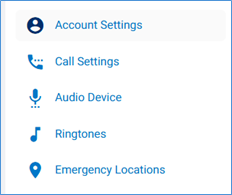
To view Account Settings, first select the Settings tab on the left navigation.

You will see four options. Select, Account Settings. This is where users can update your password, change your voicemail pin, and update your profile image.
To upload the user Profile Photo, click on icon and browse the image and upload your locally saved image.

To change profile photo first delete using icon and repeat above steps
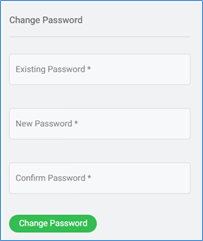
To change the current user portal password, enter the existing password and then enter the new one twice and press the Change Password button.
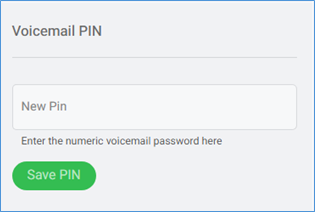
To change the voicemail PIN, enter the new PIN and press the Save PIN button.
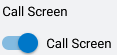
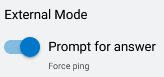
Select this option if you are utilizing the external mode and would like the call to be answered with a prompt in order to avoid calls routing to the external number’s voicemail. Once you answer the call, you will have to press 1 to connect the call.
Select this option in order to screen inbound calls. Inbound callers will have to announce themselves. You will then receive a call playing their name and you have the option to take the call or send to voicemail.